💰 NEW: What is your Tesla worth? Enter model, year, mileage and battery health → a price from real listings. ⚡ Try it HERE 👆

Tesla software update

Tesla 2025.14.1

What's new in update 2025.14.1: Alternative Trip Plans, Avoid Highways, Save Trunk Height Based on Location, Keyboard Languages.

Version
2025.14.1
First seen
Seen in
Model 3

What's new in 2025.14.1

Alternative Trip Plans

Alternative Trip Plans

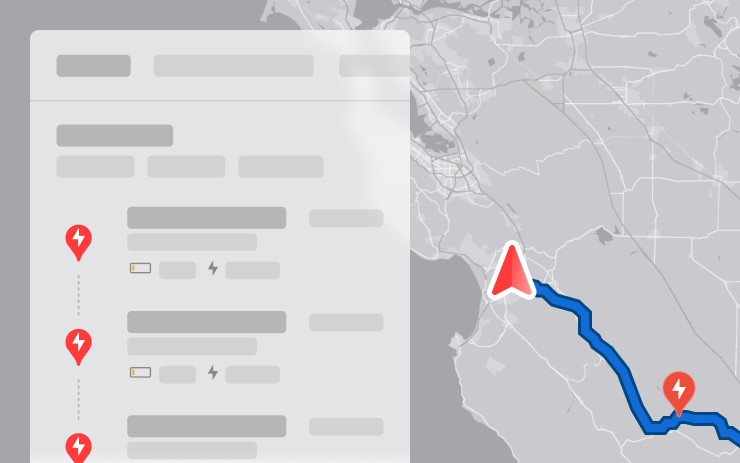
Multiple trip plans are now available for you to choose from, allowing you to better suit your travel needs.
- Fastest: offers the quickest route.
- Best Amenities: prioritizes stops near open and highly rated restaurants, shops, and restrooms.
- Fewer Stops: minimizes charging stops.


Avoid Highways

Avoid Highways

Navigation can now avoid highways when possible, providing an alternative route that bypasses major roads.

Go to Controls > Navigation > Avoid Highways.

Save Trunk Height Based on Location

Save Trunk Height Based on Location

Customize the opening height of your trunk and save it as the default or for a specific location, such as your garage. To set a height, pause the trunk while it's moving using the touchscreen. Alternatively, manually adjust to your preferred height, then press and hold the trunk close button until you hear a chime.

To set your existing trunk opening to the factory default height, or to clear any saved locations, go to Controls > Service > Remove Saved Locations.

Keyboard Languages

Keyboard Languages

Easily switch between different language input methods on your touchscreen. To add keyboards, go to Controls > Display > Keyboards. To switch between them, long-press the global icon on your keyboard and select the desired keyboard.

Keep Accessory Power On

Keep Accessory Power On

Use or charge devices through the low voltage outlets, USB ports, or the inductive phone charger after exiting the vehicle, as long as the battery is above 20%.

When enabled, these ports remain powered even if you are not present, and the vehicle is not in use. Note that this may increase the vehicle’s power consumption, even if no device is connected.

Go to Controls > Charging > Keep Accessory Power On.

Minor Updates

Minor Updates

- When viewing a charger location page, nearby restaurants, cafes, and shops within walking distance are displayed at the bottom.
- Media search results are now filtered by sources, providing faster and more streamlined access to content.
- Sign in with your Amazon Music Free account. Requires Premium Connectivity or an active WiFi connection.
- You can now shuffle an entire Apple Music playlist that contains more than 100 songs.
- See what song will play next on YouTube Music playlists in the 'Up Next' view of the media player.
- In your Navigation settings, you can choose to show or hide chargers on the map that are not owned or serviced by Tesla.
- If your hotspot is enabled, it will automatically connect to your vehicle once you start driving, so you won’t have to reconnect each time.
- Contact photos are now displayed for incoming calls and in the vehicle's Phone app.
- This update includes important security fixes and improvements.

The text comes straight from the car via the official Tesla Fleet API and is shown unchanged. Images and text are the property of Tesla, Inc.

How to install 2025.14.1

On the touchscreen open Controls → Software. If 2025.14.1 has been released for your car you will see it there. The car must be parked and installation usually takes 20 to 40 minutes. If you do not see it yet, Tesla is probably still rolling it out.

Looking for a Tesla with the latest software?

Listings on TesList show real data from the car — battery health, options and software version.