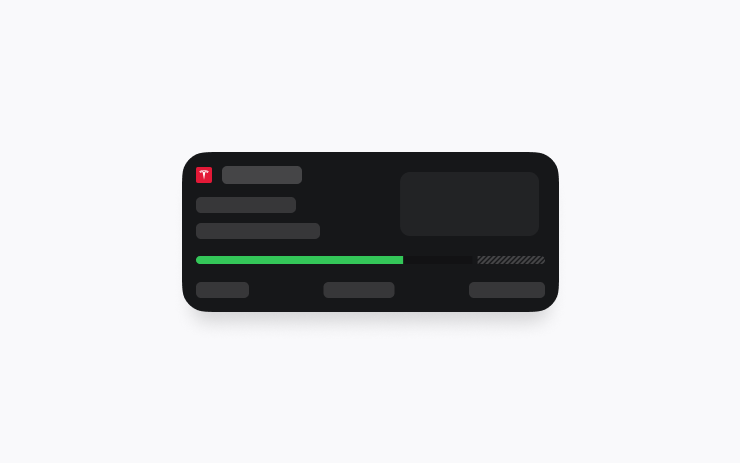
Supercharging Live Activity
View your Supercharging session with Live Activity on your iPhone or paired Apple Watch. Live Activity will start automatically as soon as your charging session begins. Requires Tesla app version 4.45.0+ and iOS 17.2+.
What's new in update 2025.20: Supercharging Live Activity, Unlatching Charge Cable, Security Improvements.
View your Supercharging session with Live Activity on your iPhone or paired Apple Watch. Live Activity will start automatically as soon as your charging session begins. Requires Tesla app version 4.45.0+ and iOS 17.2+.

Charging can now be stopped and the charge cable released by pulling and holding the rear left door handle for 3 seconds, provided the vehicle is unlocked or a recognized key is nearby. This is especially useful when the charge cable doesn’t have an unlatch button. You can still release the cable using the vehicle touchscreen or the Tesla app.

This update includes important security fixes and improvements.
The text comes straight from the car via the official Tesla Fleet API and is shown unchanged. Images and text are the property of Tesla, Inc.
On the touchscreen open Controls → Software. If 2025.20 has been released for your car you will see it there. The car must be parked and installation usually takes 20 to 40 minutes. If you do not see it yet, Tesla is probably still rolling it out.
Listings on TesList show real data from the car — battery health, options and software version.